


Nowadays, finding a logo maker is simply a matter of seconds. You just need to do the corresponding search, and a bunch of results will appear immediately. The challenging part is deciding which tool is worth the investment.
The best part is that today, many logo design software solutions allow users to create and download logos at entirely no cost. At the same time, a wide number of tools are known for being free, but just when you’re done editing the logo, a mandatory subscription or a one-time payment pop-up appears.
So, to make your logo design journey smoother, we’ve compiled a list of modern AI-powered logo makers, focusing on honest reviews on quality, pricing, free tiers, key differentiators, and overall client feedback.
Quick Overview of Leading Tools
| Platform | Trustpilot Score | Review Count | Free Tier | Best for |
| Design.com | 4.7 ⭐ | 4,300+ | Yes, no watermark | First-time users, looking for unique, high-quality logo designs across all industries |
| BrandCrowd | 4.8⭐ | 9,500+ | Yes | Users seeking a wide range of professionally designed logo templates and branding tools |
| DesignEvo | 4.8⭐ | 5,600 | Yes | Beginners wanting quick templates |
| Logo.com | 4.6 ⭐ | 2,092 | Yes | Users who prefer modern logo templates |
| LogoDesign.net | 3.8⭐ | 249 | Free preview | Customers without any design experience |
| Logomakerr.ai | 4.0 ⭐ | 33 | No | Users who prefer AI-driven, simple logos |
| LogoMakr.com | 4.0 ⭐ | 49 | Yes (non-commercial) | Users seeking a DIY canvas |
| Logopony | 3.1⭐ | 2 | Free to try | Users preferring animated logos |
| FreeLogoDesign | 2.3 ⭐ | 41 | Limited | Users who prioritize basic, static logo templates |
| My Free Logo Maker | 4.0 ⭐ | 3 | Yes, PNG only | Users wanting a fully automated logo design platform |
| Brandmark.io | 2.6⭐ | 15 | Free preview | Customers who want to build an AI-driven brand identity |
| Logobean | Not listed | — | Limited | Users who want simple AI-generated logos with customization |
What Our Research Was Based On
The main aspect we prioritized while testing the logo design platforms was simplicity. That is to say, how easy a platform would be from the perspective of a first-time user.
Even though creative platforms can serve professionals as well, the target audience still remains either beginners or entrepreneurs with no design experience.
Thus, by putting this aspect at the top of our evaluation criteria, we focused on the overall user experience, the quality of the generated logos, the customization options, the integration of AI tools, and how quickly users could create a logo without heavy customization work.
With this in mind, let’s pass through all 12 logo design platforms one by one.
Design.com
Design.com appeared at the top of our research for a reason. The interface was intuitive, no additional guidance questions were asked, the steps were easy to follow, and the generated logo concepts were unique and free for commercial use.
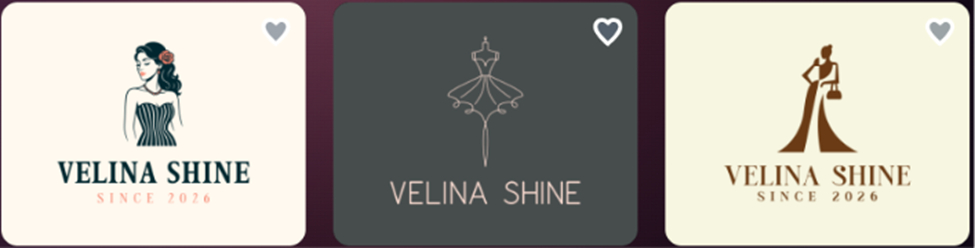
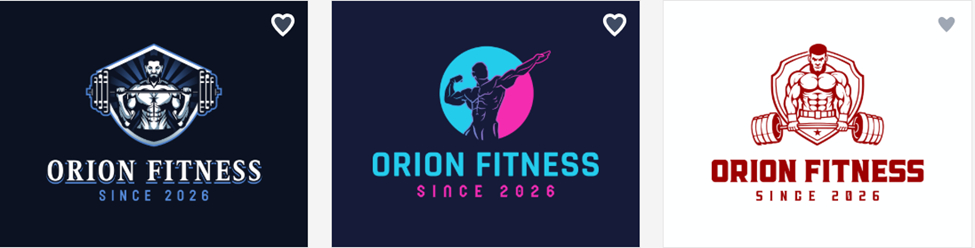
To fully test the tool, we inserted a few keywords and random business names and waited for the logo templates to appear.
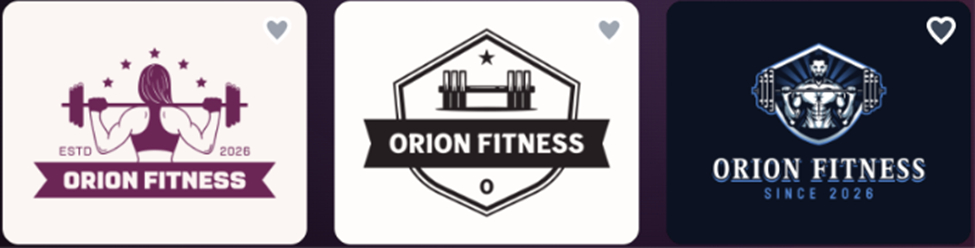
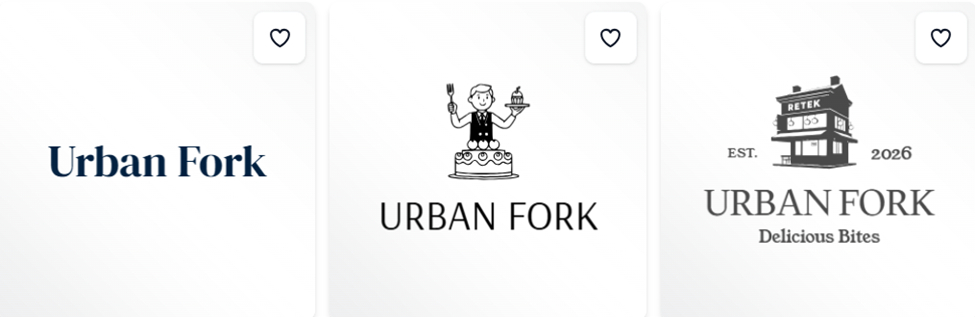
Below you can see samples of the generated logo templates:
Our Feedback
Here’s what we saw:
- Before inserting the brand name, we had the freedom to choose what we specifically wanted to create: logos, flyers, business cards, and a bunch of other branding assets. However, we didn’t have to rely on the dropdown menu at all; we could just specify the design type directly in the prompt.
- For example, to create our gym logo, we typed something like: “I need a logo for my fitness business called Orion Fitness. It should contain some weights and have an obvious link to the gym and fitness”.
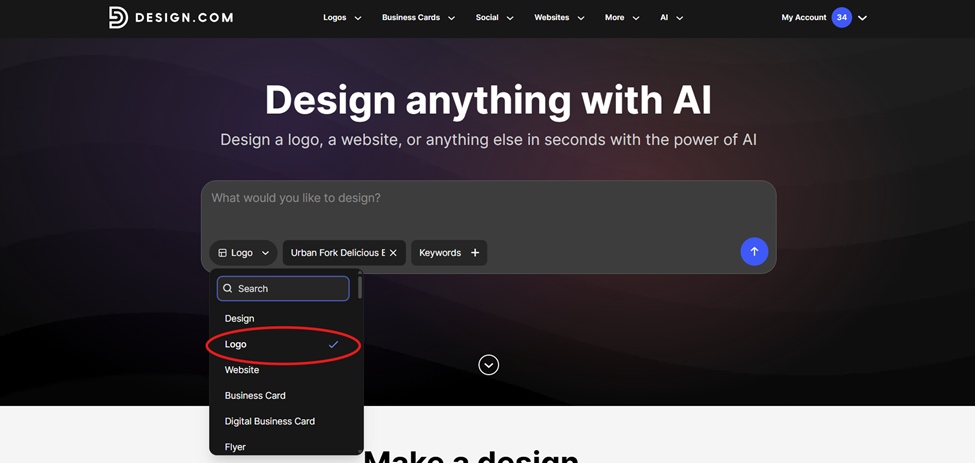
- After choosing logos, hundreds of logos were generated instantly
- It was basically a one to two-step process; no additional questions were asked about colors, industry, etc. We only inserted brand names and keywords (optional).
- The quality of the generated logos was high; it felt like a professional designer had worked on the logos.
- After selecting the logos, we could ask the AI to make the necessary changes, such as background color, fonts, etc.
- The platform allowed unlimited edits for an unlimited amount of time.
- We were able to save the progress to get back to our created logos later; we even got an email notification for that.
- Once the logo design was created, we could preview how it would look on business cards, invitations, etc.
- After the preview, we went on downloading the logo; and that was the most generous part.
Logo Download
Design.com offers a wide range of logo templates at no cost. You can choose a template, customize it, and export the file without having to pay anything.
Before downloading the logo, we could select:
- Whether we preferred a solid or transparent background
- If we wanted the full logo or text-only/icon-only options
- The file format
We downloaded the logo in PDF, which was super clean and ready for commercial use.
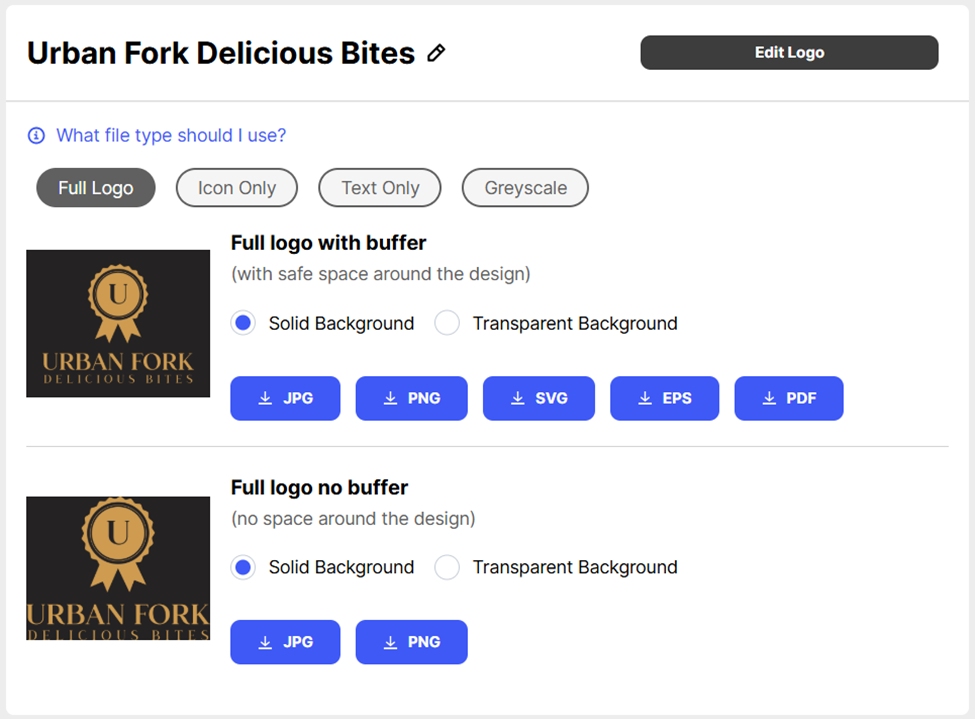
The free logo download also gave us access to their free website builder, free link in bio creator and free digital business card maker. All of which could be published 100% free.
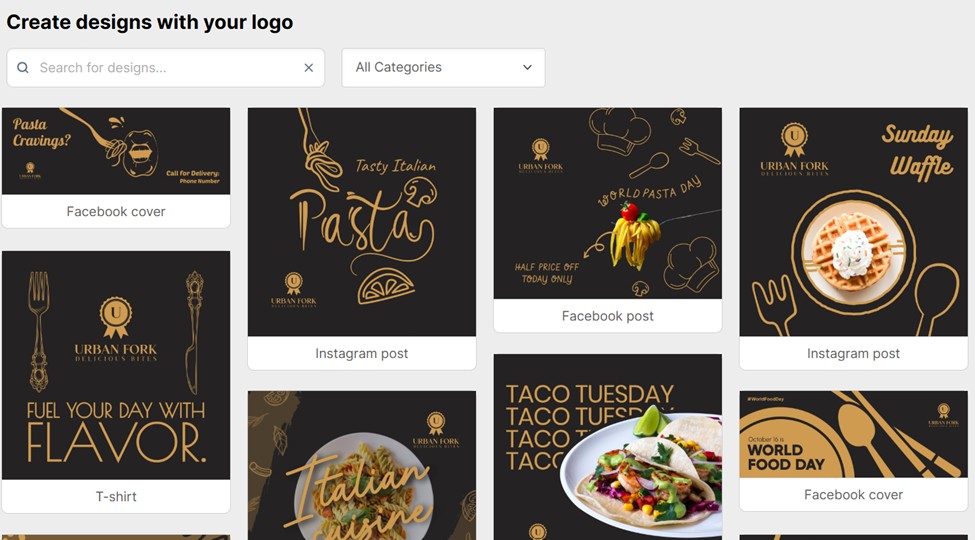
All in all, the experience was really smooth and user-friendly.
What You Get
- A logo library of 500K+ templates
- 50+ branding tools
- Built-in AI tools to generate and customize logos, posters, presentations, business cards, remove backgrounds, etc.
- Exclusive & high-quality logo designs
- Thousands of exclusive shapes and icons
- 100% commercially safe logos
- Instant logo generation
- Extensive file formats, including high-res vector, raster, animated files, and more
- Automatic template branding
- A free tier + flexible pricing, starting at only $3/mo
- Customer support on a 24/7 basis
General Reviews
Design.com has collected over 4,300 Trustpilot reviews, and the general feedback is mostly positive. Reviewers frequently highlight the ease of use, design variety, and customer support responsiveness.
BrandCrowd.com
BrandCrowd.com works in a way that keeps us comparing it with other platforms over and over again.
The logo concepts were clean and professional, and it was really challenging to pick the best one.
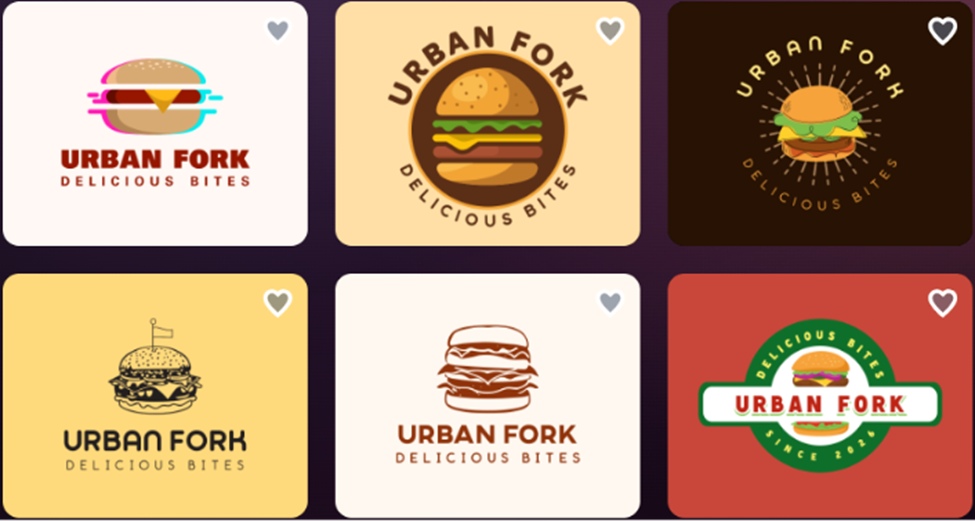
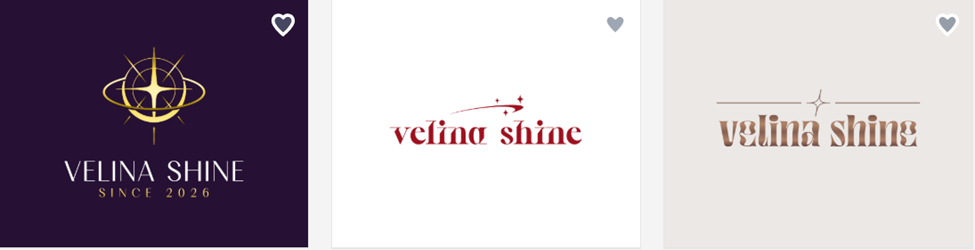
For BrandCrowd, too, we experimented with inserting generic brand name ideas. Below you can see the logo templates generated in seconds:
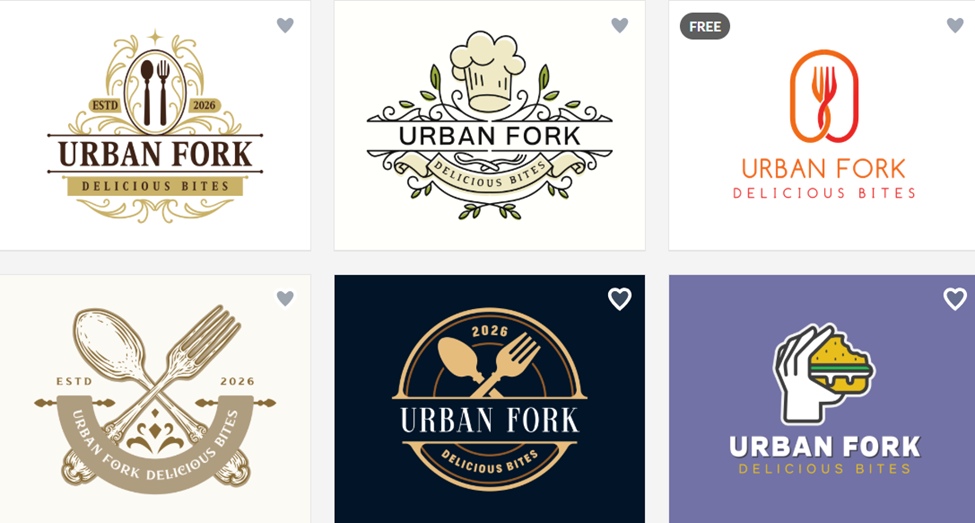
Our Feedback
Here’s how it works:
- We typed the brand name, added some keywords (optional), and the platform pulled logo concepts from its library.
- After picking one template, we did the following: we asked the AI to change the bite spot of the burger in the logo to see how long it’d take and how the AI would understand our prompt. It took only a few seconds, and the result is shown below:
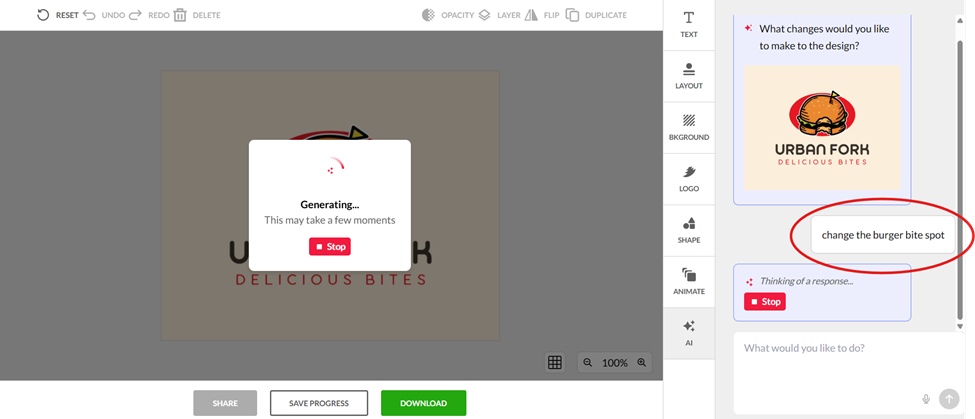
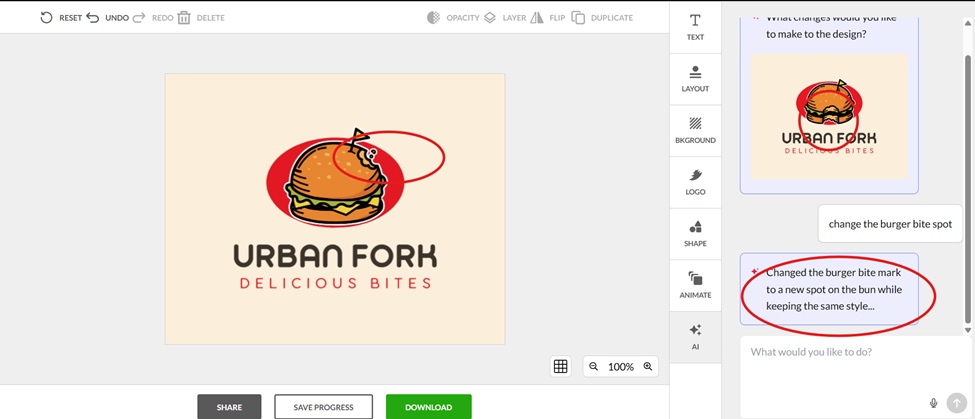
- The prompt we gave was simple, and the thing we liked the most was that the AI worked quickly without any clarification questions.
- We continued modifying the logo both manually and with the help of AI tools.
- We were able to change the background color, the font, the text, modify the icons, shapes, etc.
- After we were done with the customization, we proceeded to save the logo.
- We were asked to download the logo in multiple file formats, and we chose JPG this time.
Logo Download
Since BrandCrowd offers a vast selection of logo templates at no cost, it was a great advantage for users like us who just wanted to test the platform without long-term subscriptions.
- We downloaded the logo without commitments
- After the export, we we gained access to over 50+ additional design tools to create flyers, posters, business cards, etc.
- To download those design assets, however, subscription was necessary, which started at only $3/mo.
Overall, the experience was really smooth and not confusing at all. This is definitely the logo design platform worth your attention.
What You Get
- AI-assisted editor with color, font, and layout controls
- High-quality designs
- 380,000+ exclusive, professionally designed logo templates
- 50+ branding and design tools
- Matching business cards, social media graphics, and QR code tools
- Website builder
- Export in SVG, EPS, PNG, JPG formats
- Free tier for a wide selection of templates
General Reviews
BrandCrowd holds a 4.8-star rating on Trustpilot based on over 9K+ reviews. Reviewers return to BrandCrowd for its credibility in the field, with the platform praised as a cost-effective and time-saving alternative to generators that feel overcomplicated or produce generic results.
DesignEvo
Based on the logo tools we tested, DesignEvo was among the ones that was pretty easy to use.
Although it did not offer any AI tools to customize the chosen logos, it was still simple and fast to work with.
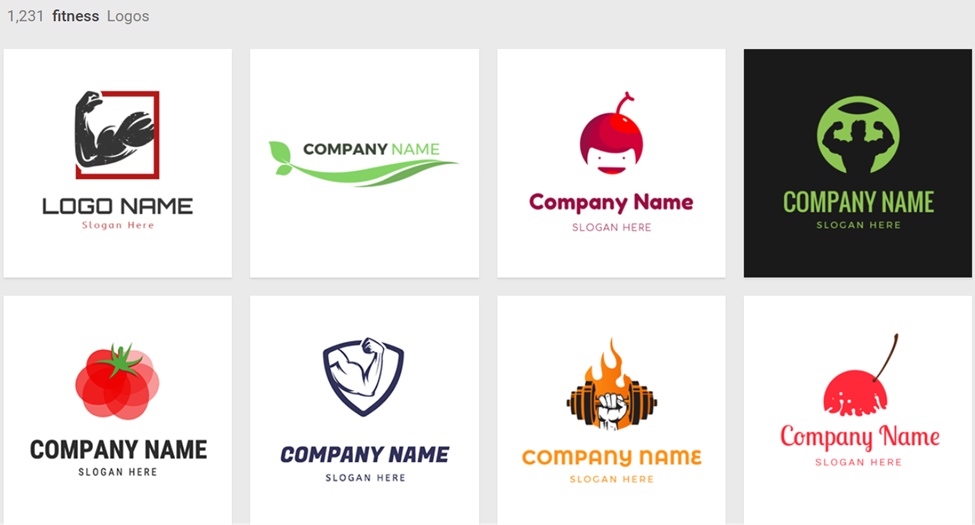
Some logo samples based on our keyword can be found below:
Our Feedback
This time, we could not insert any brand name to create logos. The platform only allowed us to search templates based on industry.
- Several industries were introduced in the search bar
- We could only pick from the listed industries/areas
- After picking the logo template we liked the most, we could manually edit it
Although the logos were high in quantity, we were worried about commercial safety. There’s no guarantee that any other user made a logo just like the one that we did; same colors, same brand name, same font, etc.
The lack of an AI touch made us uncomfortable. The uniqueness of the created logos can sometimes be at risk, as you do not insert any additional info or keywords to make your logo unique; you just pick from already existing templates.
To download the logo, we needed to pay; only a low-res file was possible to download in the free tier.
What You Get
- Pre-made logo designs
- Intuitive editor & interface
- High-res downloads on paid plans only
- Full copyright ownership on purchase
General Reviews
With a 4.8-star rating on Trustpilot, reviewers highlight the vast selection of design options, the user-friendly interface that requires no technical skills, and the quality of high-res output as the strongest aspects.
Logo.com
Logo.com was very user-friendly. The interface allowed us to generate logos with AI tools.
Our Feedback
Even though the quality of the logos was pretty solid, it took us slightly longer to generate them compared to the tools discussed above.
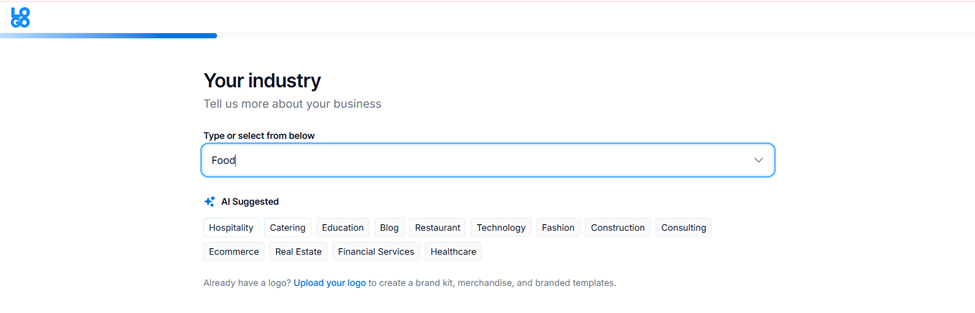
We had to fill out 7-8 search bars until we saw the logo templates.
Some samples of the guided questions are shown below:
Since we’re giving honest feedback only, this tool is no exception.
We had to type the answers based on industry, color, whether we’re a brand owner, etc.
This was pretty tiring and time-consuming; if you want to get results fast, it’s not the best choice.
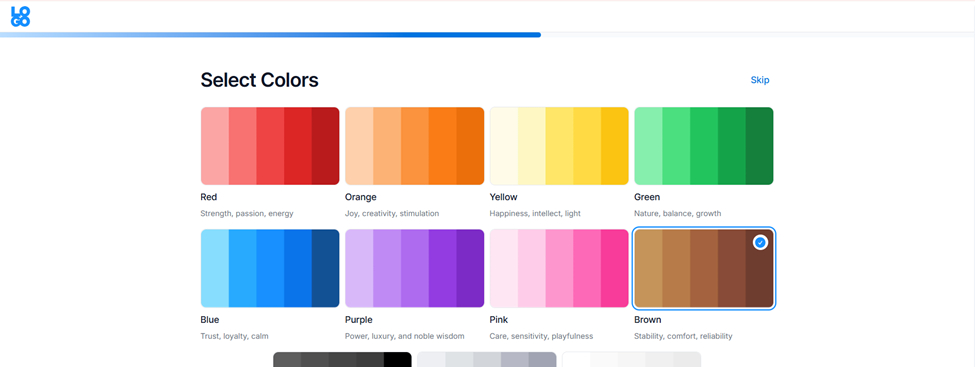
After selecting the logo we liked, the customization was much smoother.
- We could select the overall theme of the logo
- Everything was fully customizable: icons, shapes, etc.
When we decided to download the logo, again a bunch of questions were asked on subscriptions; whether we wanted paid plans also to create websites and additional branding assets.
After skipping those questions, we could preview how the logo would look on branding materials and could finally export the file.
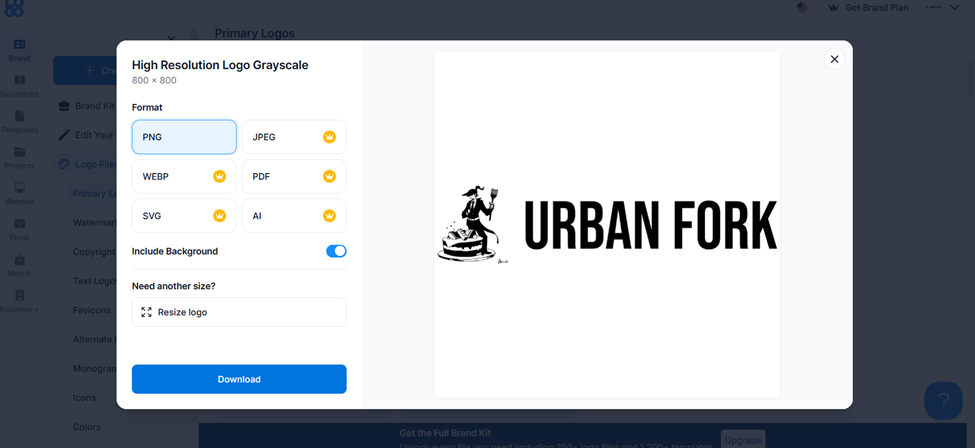
Only the PNG file was free to download; to export the file in other formats, payment was mandatory.
What You Get
- 1,200+ AI-powered logo templates
- Domain registration and email signature builder
- Guided process
- Website builder
- Free plan with commercial PNG download; Brand Plan at $3.6/mo
General Reviews
On Trustpilot, users describe the platform as easy to use, affordable, and effective for quickly building a brand identity without design experience.
LogoDesign.net
Using LogoDesign was simpler than expected. The interface was built in a way that no confusion rose.
Our Feedback
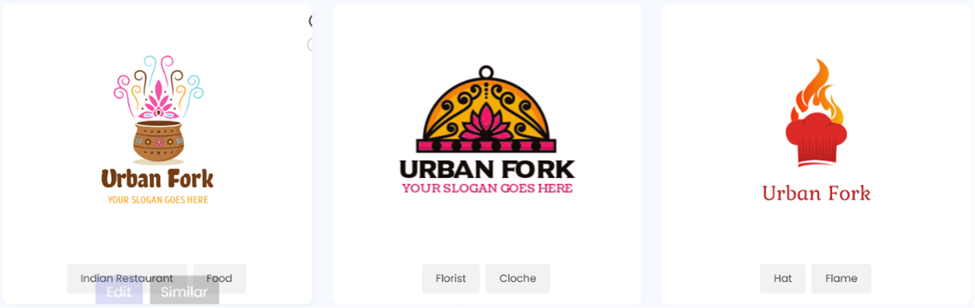
- After opening the website, we just inserted the brand name in the first search bar and industry-related keywords in the second search bar
- A few seconds later, we got a number of logo templates
- However, if we missed the additional keyword search bar, the platform would not really understand the industry we wanted to create logos for
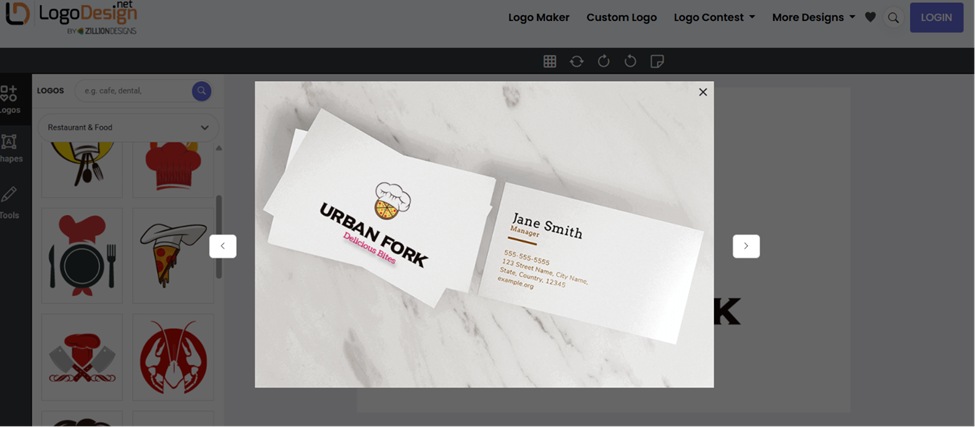
After customization, we could preview the logo on business cards, shirts, etc., but the quality of the visuals was not as high as in the case of Design.com. The visuals just helped to get an overall idea about the potential look, not really something designer-like.
When it came to saving the logo, there was no free option. The pricing started at $37, which included high-res logo downloads, vector logo files, logo editing, etc.
To access the full branding kit and get customer support, pricing ranges from $ 57 to $ 97.
What You Get
- Industry-specific logo templates to browse and customize
- Additional branding tools: business card maker, letterhead, envelope, social media header, email signature, flyer, postcard, infographic, and QR code generator
- Website builder
- High-res logo files (PNG, JPEG, PDF) upon purchase
General Reviews
LogoDesign.net holds a 3.8 out of 5 on Trustpilot, based on 249 customer reviews. Positive feedback tends to highlight the ease of use of the platform, with several reviewers specifically praising individual support agents.
Some negative reviews raise concerns about sales tactics, with a few users reporting being told another client was interested in their logo design as a pressure tactic to push them toward purchasing.
Logomakerr.ai
Compared to LogoMakr (see below), Logomakerr made it much easier to generate logos. It was a 4-step process only.
Our Feedback
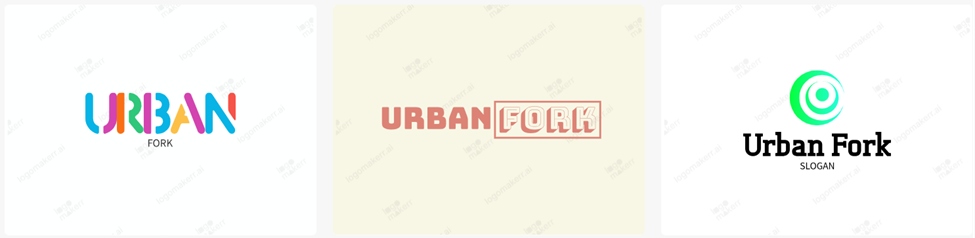
The generated logos came with a watermark, but the selection was slightly higher than the ones with LogoMakr.
Even though the process was not really fast, and we had to choose the industry, font style, colors, etc., the guided process seemed much smoother.
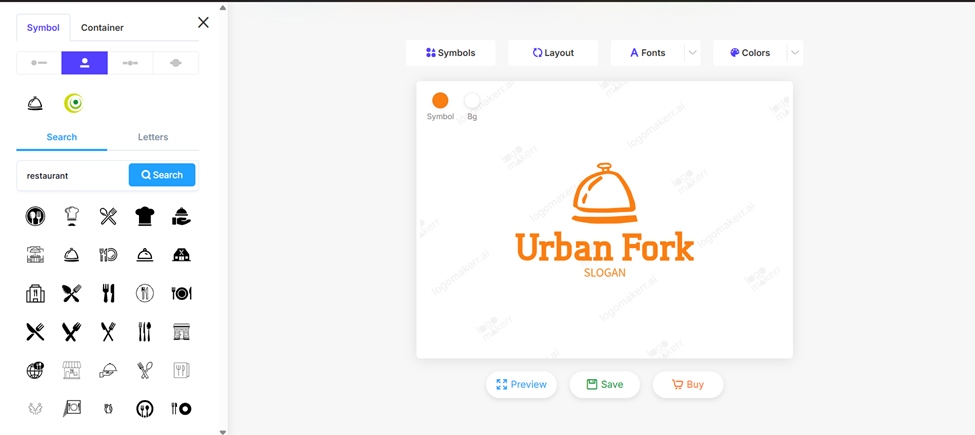
We could later insert some keywords to make changes to our logo, play with colors, icons, etc.
However, the editing process was not with AI tools; it was mostly manual editing. The preview option did not allow us to see the logo on cups, mugs or any other materials; we were only able to maximize the logo for a better view.
Once we decided to download the logo, we discovered there was no free tier included. There appeared to be three one-time-payment options, starting at $29.
What You Get
- AI logo generation
- Font, color, layout, and (limited) symbol customization
- Multiple file format downloads on purchase
- Branding kit included
General Reviews
Logomakerr.ai holds a 4-star rating on Trustpilot. Positive reviews highlight speed and ease; negative ones point to symbol editing restrictions and post-purchase support.
LogoMakr.com
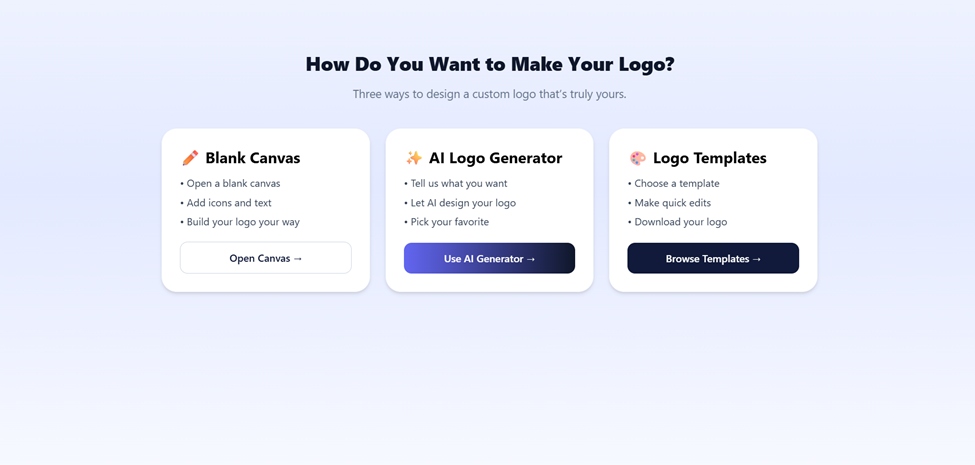
LogoMakr gave us two options to start designing our logos: black canvas or AI-powered logos.
The latter gave us a much faster way to generate logos that aligned with our intentions more.
Our Feedback
After choosing the AI Logo Generator option, we were guided to pick either the guided mode or to describe our own idea.
Then we had to go through a step-by-step process: write down the business name, choose the logo theme and font, choose between taglines and slogans, and give a short description about our business.
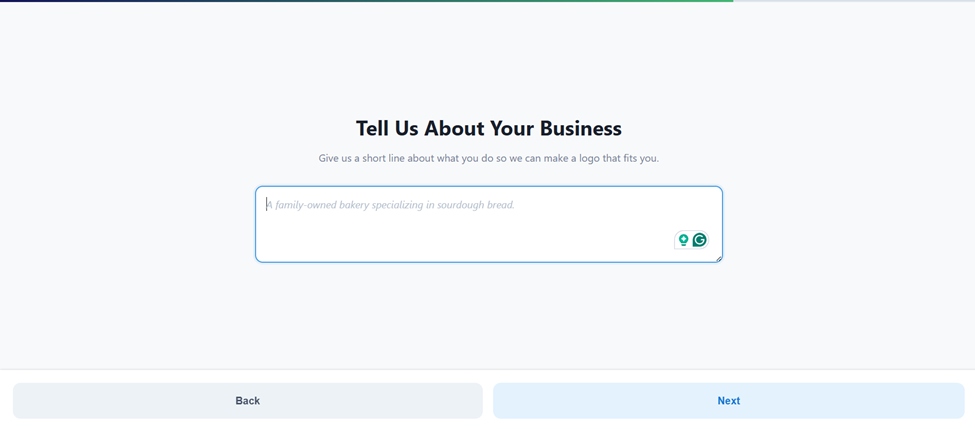
So, overall, it took us over 4-5 minutes to generate the logo. For that amount of time spent, we thought it would offer a bunch of logo concepts, but to our surprise, we only got one logo template with a watermark as it’s shown below:
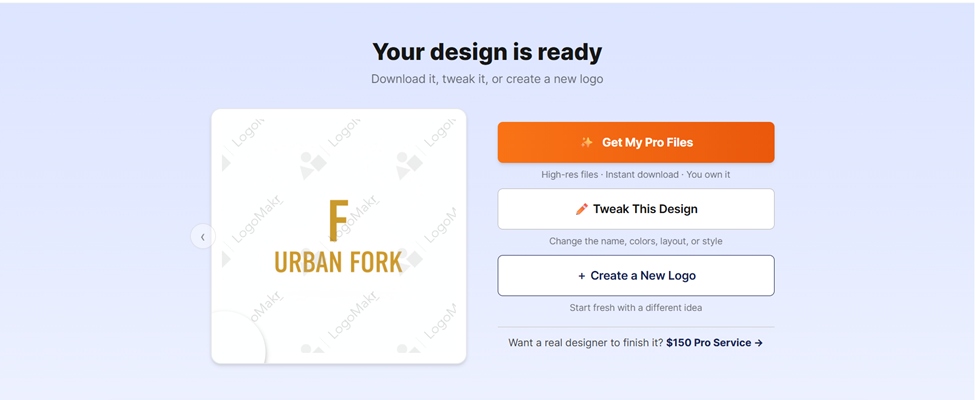
To be able to download our creation, we had to pay. There was no subscription fee; only a one-time payment that would give us full ownership of the designs, editable files, etc.
The payment plans started at $29.
What You Get
- AI-guided prompt mode for quick starts
- Canvas-based editor with drag-and-drop control
- Customer support
General Reviews
Customers highlight the responsiveness of the team and the level of control the editor provides.
Logopony.com
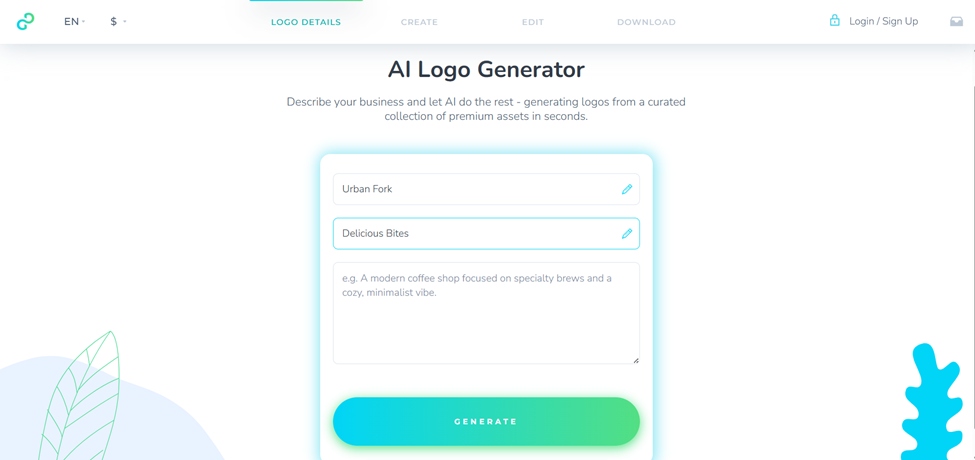
To generate logos on Logopony, a one-step guided process is required. It generates clean, simple logos within one minute.
Our Feedback
Although the platform creates a variety of AI-driven templates, it requires to fill in a mandatory field. You can’t continue unless you’ve filled in the description field.
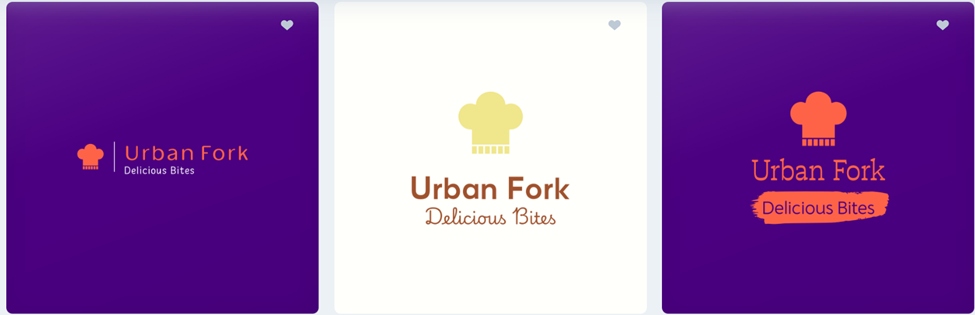
- Picking a logo from the templates allowed us to preview it on shirts, walls, social media posts, etc.
- We could easily change colors, fonts, shapes, add symbols, etc.
- Once we edited something on the logo, the preview section was also modified
- To download the logo, we had to select between the basic, premium or business plans
- No free tier was suggested
Overall, we enjoyed the experience, although it took us much longer than with Design.com or BrandCrowd.com.
What You Get
- A wide selection of logo templates
- 30+ file formats on purchase
- Full branding kit: business cards, favicons, social graphics, brand style guide
General Reviews
Logopony has a 3.1-star rating on Trustpilot from only 2 customers, which is far too small a sample to be meaningful.
FreeLogoDesign
FreeLogoDesign is one of those tools you use when you don’t really want to go that deep into details. And here’s why:
Our Feedback
No extra questions about the industry were asked; was it fine by us? Not really!
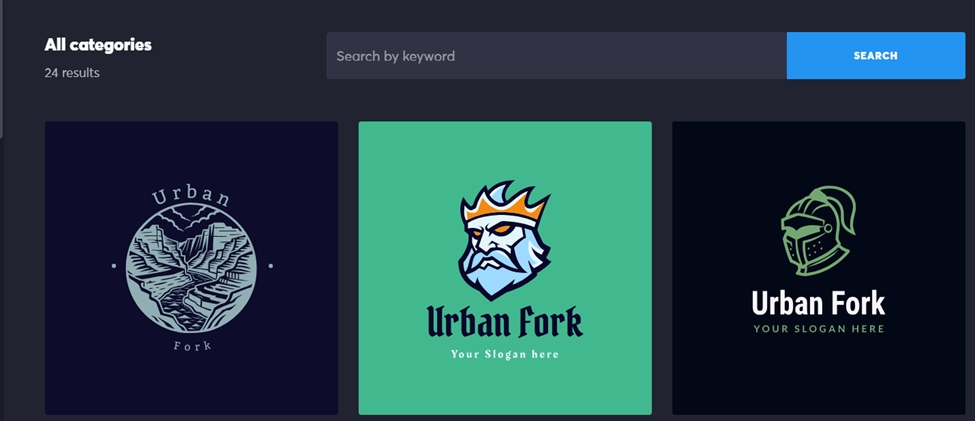
Apparently, after inserting the brand name, the tool generated logos that had nothing to do with the industry. It’d make more sense to go through guided questions, spend more time, but at the end, get logos that actually aligned well, at least a little, with our expectations.
As you can see in the logo samples above, we had to customize the logos pretty much to get something similar to a food provider.
Besides, the number of logo templates did not surprise us either. Only 24 results were shown based on our prompt.
To generate and customize logos with AI tools, we had to pay. So, basically, we got ready-made template suggestions that might not even be copyright safe if not edited properly.
To download the ready-made logo templates, no payment was required. Downloading a free logo, also allowed to preview it on shirts, cups, etc.
What You Get
- Free download (low-res, limited)
- Editor with 1,000+ templates
- Icons, shapes, fonts, and color palette tools
- Basic paid package: HD PNG + SVG + PDF
- Add-ons available: business cards, social media kits, brand guide
General Reviews
The platform holds a 2.3-star Trustpilot rating from 41 reviews. The most common complaint is the gap between the “free” positioning and the actual cost to get a usable file. Users who understand the model upfront tend to find it a useful, capable editor.
My Free Logo Maker
With this tool, we hardly had any difficulties making a logo. Although it required several steps again, the overall process was smoother compared to Logo.com for example. Meaning, the steps were not long and tiring.
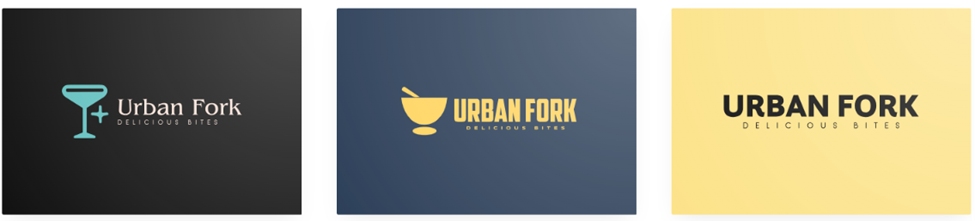
Our Feedback
After adding the company name, as indicated in their search bar, we went on to pick the industry, colors, insert the slogan, etc.
It’s worth mentioning that not all guided questions were mandatory to fill in, so we skipped some to save time.
- To see the generated templates, we had to wait a bit, so we can’t say the results were shown instantly
- Once we picked a logo to customize, we could also preview it on menus, social media posts, t-shirts, etc.
- The customization options were pretty broad, and we could easily change color palettes, ask AI for more ideas, change the logo symbols via AI tools, etc.
Overall, the process was pretty smooth and fast, and we also liked the quality of the logos.
When it came to downloading the logo, we were offered two options: either to save it for free or to upgrade to download the full branding kit.
The free download version only allowed getting our files in PNG format.
To get the full brand kit, a one-time payment of $72 was necessary, which included high-res files, unlimited changes, and access to logo files only. Which, compared to the logo tools mentioned above, seemed a bit more expensive.
What You Get
- Logo preview on mockups (business cards, social media profiles, t-shirts)
- AI tools to generate new ideas and swap logo symbols
- Commercial ownership of your final logo design
- PNG file download
General Reviews
Common user feedback on Trustpilot include the user-friendliness of the platform. But the reviews are extremely thin to rely on when it comes to recommending the platform to someone else.
Brandmark.io
The interface of Brandmark was user-friendly; we had to answer three questions only and waited for the logos to appear.
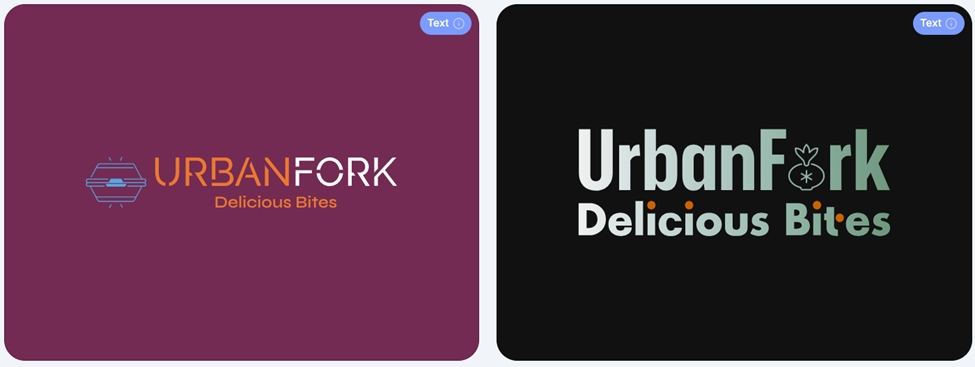
Our Feedback
The logo templates were actually clean and polished. We were even having second thoughts about whether to edit them at all.
- After picking one template, here as well, we could preview the logo on shirts, social media posts, and bags.
- This made it easier to visualize the future printed logo in more detail
- To edit the logo, we were able to play with fonts, colors, size, background, etc.
All in all, the experience was pretty smooth. However, to check out, we again needed to pay.
The platform allowed unlimited edits, but to download the logo in any type of file, we needed to make a one-time payment ($35) for the logos in PNG format only.
What You Get
- Keyword-based AI logo generation
- Unlimited edits post-purchase
- Export in SVG, EPS, PNG, and PDF
- Business cards, social media graphics, and letterhead templates
General Reviews
Since the Trustpilot rating is based on 15 reviews only, and we’re giving honest reviews, we cannot compare the feedback with the tools that have thousands of reviews. As per our experience, the tool generated pretty solid logos with good customization.
Logobean
Generating logos with Logobean was a bit different than with the rest of the tools listed above.
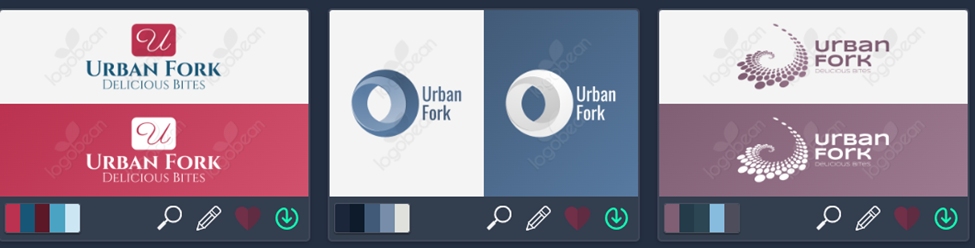
Our Feedback
As you can see, the overall look of the logos is a bit mixed. For users like us, seeing so many variations at once was a bit confusing.
Our main prompt/brand name was restaurant-oriented, but the platform suggested diverse styles, none of which (on the first page at least) were related to food at all.
We then had to add the industry manually, as the “discover” section could not actually discover our area of interest.
- We could preview the logo
- Include them in the “favorites” section
- Customize icons, fonts, etc. but it was really challenging to find the editing tool
Based on our honest feedback, Logobean wouldn’t be the first to come to mind when thinking about logo design platforms.
For a first-time user, it would actually take some time to adapt; the overall interface was heavy, the editing tools were hard to find, and there was no search bar to insert keywords (we could only choose from the built-in suggestions).
What You Get
- Logo preview on business cards, stationery
- Icon rotation, flip, spacing, and alignment controls
- Five preset color palette schemes
- PNG and SVG downloads on purchase
General Reviews
Logobean has no Trustpilot presence, which makes independent verification impossible. The tool performs reliably in practice but lacks the public review track record of the stronger platforms on this list.
Closing Thoughts
The AI logo maker market in 2026 is large, varied, and, let’s be honest, full of tools that market themselves more generously than their features or pricing structures deserve.
If you want the most complete, trusted platform, with a large review base and honest free tier, Design.com and BrandCrowd are the clear leaders, each with 4,000-9,500 Trustpilot ratings and strong template ecosystems. BrandCrowd edges ahead on review volume; Design.com on all-in-one integration.
A logo is one of the first things people see about your business. The right tool makes that first impression count without making you pay twice for the privilege.
1 Comment
How to Rank Higher on Google Maps: Proven Local SEO Strategies
September 15, 2026[…] to reviews also shows that your business is active. Thank customers for positive feedback and respond […]